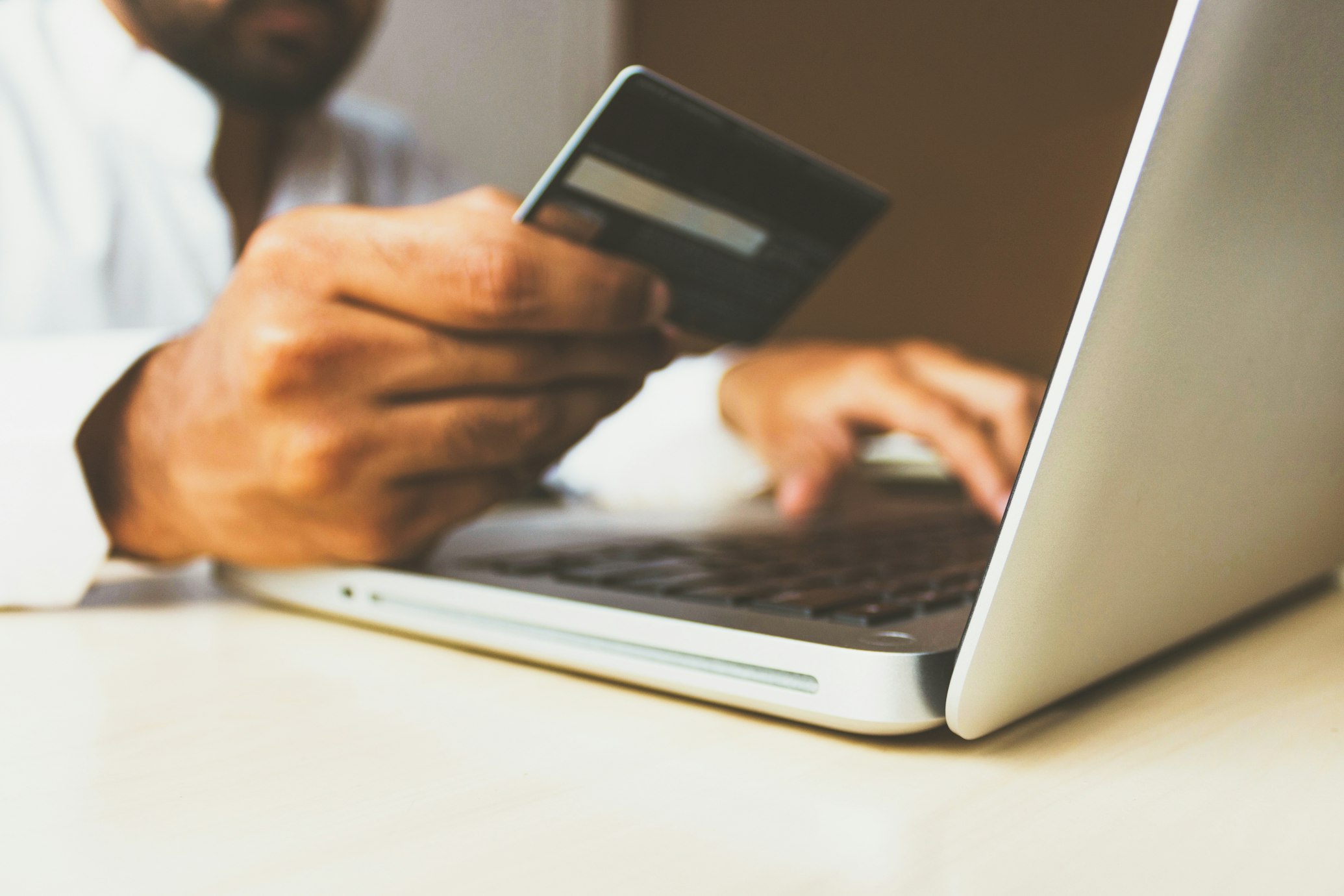
A message arrives that looks like it is from your bank, your e-wallet or your own head of office. It says your account will be locked today unless you sign in through the link. One person in the office clicks, types a password, and by the afternoon someone else is reading the office email. This is how a large share of attacks on offices begin, and most of it can be stopped with a few habits.
What phishing and account takeover mean
The United States Cybersecurity and Infrastructure Security Agency, known as CISA, says phishing occurs when criminals try to get people to open harmful links, emails or attachments.1 The National Institute of Standards and Technology, known as NIST, describes it as the use of convincing emails or other messages to trick people into opening harmful links or downloading malicious software.2
We use account takeover in this article to mean the next step: a stranger signs in to an account that belongs to you or your office, using a password you were tricked into giving. From there the stranger can read messages, reset other passwords, and write to your contacts in your name.
The broader term is social engineering. It means the psychological manipulation of people into performing actions or sharing confidential information.4 The attacker does not break the lock. The attacker persuades someone to open the door.
What the Philippine figures show
The Cybercrime Investigation and Coordinating Center, or CICC, reported that its complaint center recorded 18,633 complaints from more than 13,000 individuals in 2025. Consumer fraud was the largest group with 6,453 complaints, or 35 percent, followed by online fraud with 4,243, or 23 percent. Identity theft accounted for 1,626 complaints, or 9 percent.3
Losses from consumer fraud, online fraud, hacking and phishing reached 418.187 million pesos in 2025.3 These figures count only the cases that people reported to the center.
The Bangko Sentral ng Pilipinas looks at the same problem from the side of banks and e-wallets. A deputy governor of the central bank said in February 2026 that social engineering, account takeover and identity theft together made up 76 percent of reported cyber fraud losses in 2025. Hacking, where a system is broken into directly, came second at 13 percent.4
The messages are moving from text to links. Gogolook, the company behind the Whoscall app, said in a sponsored article about its 2025 Philippines scam report that the risky links it recorded rose from 13,602 in the first quarter of 2025 to 49,431 in the fourth quarter.5 This is one company's own count, so read it as a direction, not a national total.
Why one stolen password does so much damage
An email account is the key to many other accounts, because many services send their password reset links to it. CISA gives the example of a man whose hacked email let scammers reach the bank and shopping accounts linked to it.6 In an office, a shared email address is often tied to the bank portal, the social media page and the government portals the office files with.
Reused passwords spread the damage. NIST advises anyone who falls for a phishing message to change the affected password right away and, if that password was used anywhere else, to change those accounts too.2
People are not the only way in. Verizon's 2026 Data Breach Investigations Report, a yearly global study, found that 31 percent of breaches now start with a weakness in software, which puts this ahead of stolen passwords as the top way in. The same report says click rates are 40 percent higher on mobile devices, so attackers are aiming more at phones.7 An office needs both careful people and updated devices.
Four habits worth building
CISA names four core steps for everyone: avoid and report phishing, use strong passwords, use multifactor authentication with a password manager, and update software.8 They take time more than money.
Multifactor authentication, or MFA, means that signing in takes a second proof besides the password, such as a code from an authenticator app or a fingerprint. With it on, an attacker who steals your password still cannot get past the second step.6 Turn it on first for email, then for banking, e-wallets and social media pages.
For passwords, CISA recommends at least 16 characters and a different password for every account. A password manager is a program that creates, stores and fills in passwords, so a person only needs to remember one strong password, the one for the manager.9 For updates, CISA advises installing them as soon as possible and turning on automatic updates, because many updates exist to fix security risks.10
Checking links is the fourth habit. The warning signs are pressure to act immediately, a request for personal or financial information, a sender address that looks slightly wrong, and shortened or misspelled links. Poor grammar is no longer a reliable sign, because attackers now use AI tools to write polished messages.12 If a message might be real, contact the company or person through a phone number or website you already trust, not the one in the message.1
If someone has already clicked
Speed matters more than blame. Change the affected password at once, and every other account that shared it. If a bank or e-wallet account is involved, call the provider's fraud department and watch for transactions you did not make. Tell the people in the office who need to know.2
Report it as well. The CICC asks the public to report scams through its hotline, 1326.3 Our view is that an office should thank the staff member who reports a mistake within the hour. An office that punishes honest reports will hear about the next one too late.
What you can do this week
We suggest one short meeting and one afternoon of setup. An office in Cotabato City, Marawi or Bongao can do all of this with the phones and computers it already has.
Start with the first item if time is short. The email account is the one that opens all the others.
- Turn on multifactor authentication for the office email account and for every account that holds money.
- List the accounts that share one password, and give each a new one of at least 16 characters.
- Choose a password manager for the office and move the shared passwords out of notebooks and chat groups.
- Turn on automatic updates on every office phone and computer.
- Agree on one rule: any request for money or a password is confirmed by a call to a number you already have.
- Post the CICC hotline, 1326, where staff can see it.
Sources
- Recognize and Report Phishing. Cybersecurity and Infrastructure Security Agency (CISA).
- Phishing (Small Business Cybersecurity Corner). National Institute of Standards and Technology (NIST), 2021-10-22, updated 2026-10-16.
- Consumer fraud topped cybercrime complaints in 2025 - CICC. GMA Integrated News, 2026-01-22.
- Social engineering tops cyber threats in Philippines BSP study in 2025. The Philippine Star, 2026-02-05.
- Phishing threat accelerates in PH as risky URLs surge nearly fourfold in 2025 - Whoscall PH Scam Report. Philippine Daily Inquirer (sponsored article from Whoscall PH), 2026-01-29.
- Turn On MFA. Cybersecurity and Infrastructure Security Agency (CISA).
- 2026 Data Breach Investigations Report. Verizon Business, 2026.
- Cybersecurity Awareness Month. Cybersecurity and Infrastructure Security Agency (CISA).
- Use Strong Passwords. Cybersecurity and Infrastructure Security Agency (CISA).
- Update Software. Cybersecurity and Infrastructure Security Agency (CISA).


